How to Protect Your Privacy Online: A Comprehensive Guide to Digital Security
Privacy is no longer a given in the digital age; it is something you must actively defend. Every time you browse a website, use a free app, or post on social media, you are leaving a digital footprint that is being tracked, analyzed, and often sold. Data breaches, identity theft, and invasive tracking are real threats that can have serious real-world consequences. However, you don’t need to be a cybersecurity expert to protect yourself. By following a few fundamental principles and using the right tools, you can reclaim your privacy and secure your digital life.
1. The Foundation: Use a Password Manager
Using the same password for multiple sites is the biggest security mistake you can make. If one site is breached, hackers have the key to all your accounts. A password manager like 1Password, Bitwarden, or LastPass is essential. These tools generate long, complex, and unique passwords for every site and store them in an encrypted vault. You only need to remember one ‘master’ password. This single change increases your security by 1000% and makes your online experience much smoother by auto-filling your login details.
2. Enable Two-Factor Authentication (2FA) Everywhere
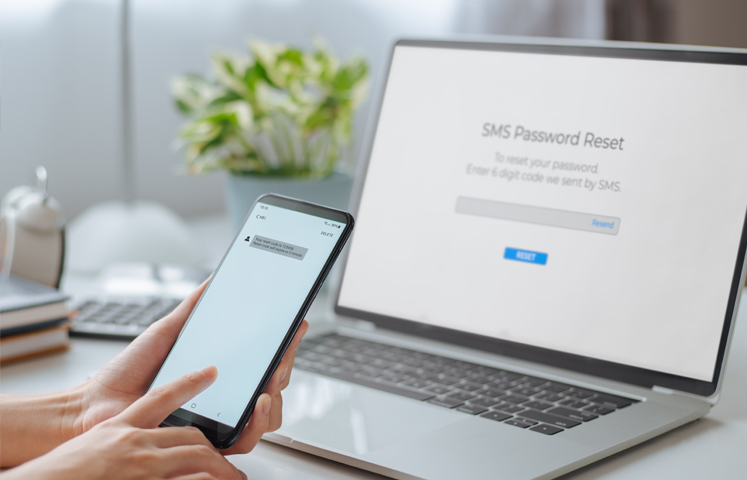
Passwords alone are no longer enough. Two-Factor Authentication adds a second layer of security. Even if someone steals your password, they won’t be able to log in without the second ‘factor’—usually a code sent to your phone or generated by an app like Google Authenticator. Avoid using SMS-based 2FA if possible, as it can be intercepted via ‘SIM swapping.’ Instead, use an authentication app or a physical security key (like a YubiKey) for your most important accounts, such as your email and banking.
3. Switch to a Privacy-Focused Browser and Search Engine
Most popular browsers and search engines make their money by tracking your behavior and showing you targeted ads. To stop this, consider switching to the Brave browser or Firefox, both of which have robust built-in tracking protection. For searching, use DuckDuckGo or Startpage. These search engines do not track your history or create a profile on you. They provide the same results without the invasive data collection. This prevents ‘filter bubbles’ and keeps your interests private from advertisers.
4. Use a Virtual Private Network (VPN)
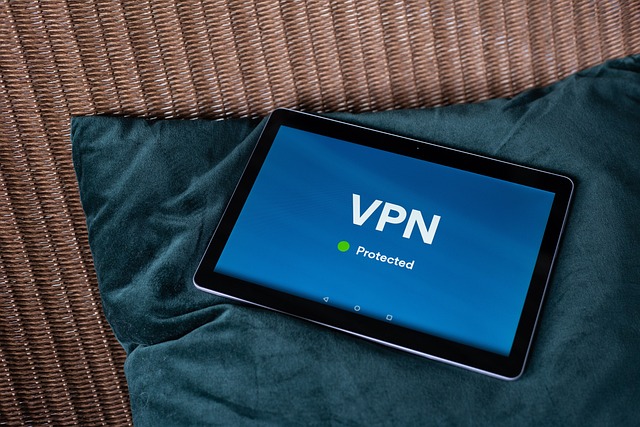
When you use public Wi-Fi—in a cafe, airport, or hotel—your data is potentially visible to others on the same network. A VPN encrypts your internet connection, creating a secure ‘tunnel’ for your data. This hides your IP address and your browsing activity from your internet service provider (ISP) and potential hackers. It is an essential tool for travelers and anyone who values their anonymity. Look for reputable, paid VPN services like NordVPN or Mullvad, as ‘free’ VPNs often sell your data to cover their costs.
5. Audit Your App Permissions
Most of us have dozens of apps on our phones that we haven’t used in months. Many of these apps are constantly tracking our location, accessing our contacts, or listening through the microphone in the background. Take 10 minutes every month to audit your app permissions in your phone settings. Ask yourself: ‘Does this calculator app really need access to my location?’ If the answer is no, revoke the permission or delete the app. Be stingy with your data; only give apps access to what they absolutely need to function.
6. Be Mindful of Oversharing on Social Media
Privacy isn’t just about hackers; it’s about what you choose to broadcast. Oversharing personal details like your birthday, your children’s names, or your current location can provide enough information for identity thieves or social engineers to target you. Set your social media profiles to ‘private’ and be selective about who you accept as a friend. Avoid ‘checking in’ to locations in real-time; wait until you have left the venue to post your photos. Protecting your privacy starts with being conscious of the information you put into the public domain.
Conclusion: Privacy is a Habit
Digital privacy is not a one-time setup; it is a continuous habit of being mindful and cautious. As technology evolves, so do the methods of data collection. By using password managers, 2FA, and privacy-focused software, you are building a wall around your personal life. Take control of your data today, because once it’s out there, it’s very hard to get back. Your privacy is worth the effort.