Screen Time Tips for Kids in the Digital Age: Navigating the New Frontier
Screens are an unavoidable part of modern life. From educational apps to social media and video games, digital devices offer incredible opportunities for learning and connection. However, they also present challenges like sedentary behavior, sleep disruption, and exposure to inappropriate content. For parents, the goal isn’t necessarily to eliminate screens, but to teach ‘digital literacy’ and healthy habits. Finding the right balance is about quality over quantity and setting clear, consistent boundaries. This guide provides practical strategies for managing screen time in a way that benefits your child’s development.
1. Focus on Content Quality, Not Just Clock Time
Not all screen time is created equal. One hour spent coding a game or watching a high-quality science documentary is vastly different from one hour spent mindlessly scrolling through short-form ‘brain rot’ videos. Instead of a strict time limit, focus on ‘screen categories.’ Categorize time into: Creative (drawing, coding), Educational (learning apps, documentaries), and Passive (cartoons, social media). Be more lenient with creative and educational content while keeping a tighter rein on passive consumption.

2. Establish ‘Screen-Free Zones’ and Times
Boundaries are easier for children to follow when they are tied to specific places or times. Make the dinner table and bedrooms ‘Screen-Free Zones.’ Eating without screens encourages family conversation and mindful eating. Keeping tablets and phones out of bedrooms is crucial for sleep hygiene, as the blue light from screens interferes with the production of melatonin. A ‘no screens one hour before bed’ rule is one of the most effective ways to improve a child’s mood and school performance.
3. Be a ‘Media Mentor’ Rather Than a Gatekeeper
Instead of just handing over a device, sit down and watch or play with your child. This is called ‘co-viewing.’ It allows you to explain complex themes, point out marketing tactics, and engage in their digital world. When you play Minecraft with your child, you are showing interest in their hobbies and can guide them on how to interact safely with others online. This collaborative approach makes you a trusted advisor rather than a digital policeman.
4. Use Parental Controls as a Safety Net, Not a Solution
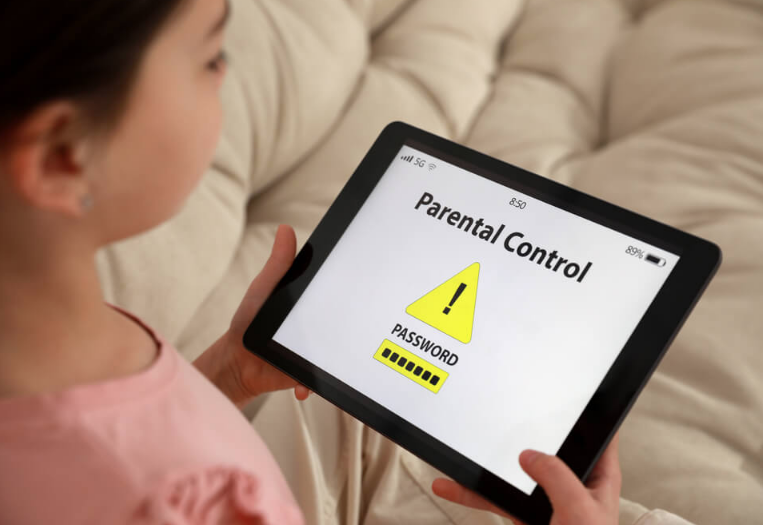
Parental control apps (like Google Family Link or Apple’s Screen Time) are helpful for setting hard limits and filtering content, but they aren’t a substitute for communication. Explain *why* certain sites are blocked and *why* time limits exist. Use these tools to automate the boundaries so you don’t have to be the ‘bad guy’ who takes the phone away; the phone simply ‘goes to sleep’ at 8:00 PM. This reduces daily power struggles and keeps your relationship positive.
5. Encourage the ‘Digital Harvest’
Teach your children to reflect on what they consume. Ask them: ‘What did you learn today on YouTube?’ or ‘What was the coolest thing you built in that game?’ This encourages them to be active participants rather than passive consumers. If they can’t tell you what they did, it’s a sign that the screen time was mindless and might need to be reduced. Turning digital experiences into real-world conversations helps bridge the gap between the virtual and physical worlds.
6. Lead by Example
This is the hardest part for most parents. If you are constantly checking your phone at the park or during meals, your children will naturally want to do the same. Set your own ‘digital sunset’ and put your phone away when you are with your family. Show them that you can have fun and relax without a screen in your hand. Your behavior is the most powerful teaching tool you have. When they see you prioritizing real-world connection, they will value it too.
Conclusion: Building Digital Resilience
The goal of managing screen time is to raise children who can eventually manage it themselves. By setting healthy boundaries now and focusing on high-quality content, you are helping your child develop a healthy relationship with technology. Screens are a tool—make sure your child is the one using the tool, and not the other way around.